Twitch Clip vs VOD: What's the Difference (and Which One Disappears)
A Twitch clip is a short cut anyone can make while you're live. A VOD is the full recording of your stream. Here's how they differ, and exactly when each one expires.
Deep dives, teardown-style tutorials, and practical workflows to help streamers ship content consistently.
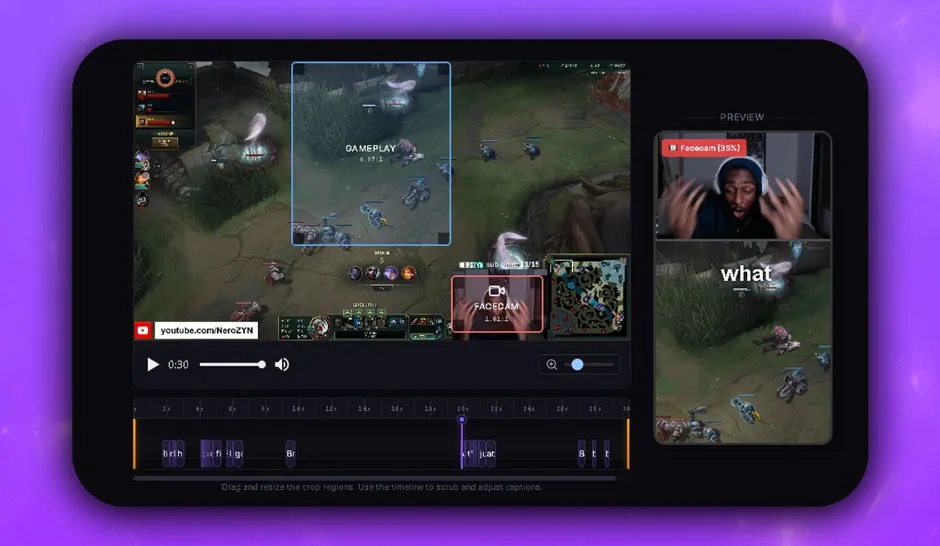
A verified comparison of the editors streamers use on Twitch clips in 2026: DaVinci Resolve, CapCut, Premiere Pro and Boltis, with prices, watermark rules and who each one is actually for.
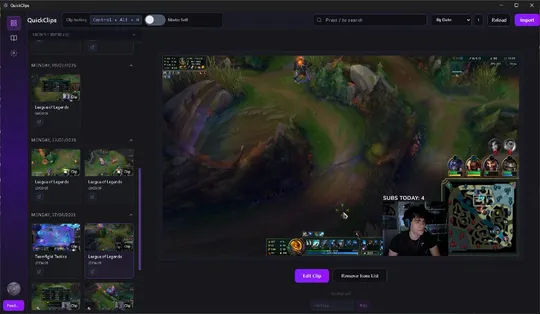
A Twitch clip is a short cut anyone can make while you're live. A VOD is the full recording of your stream. Here's how they differ, and exactly when each one expires.
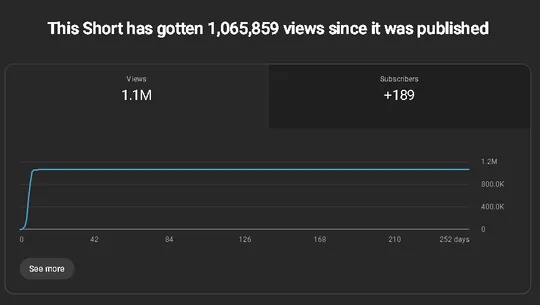
Eklipse vs StreamLadder compared on price, free tiers, watermarks, and platform, with a third option that captures the moment while you are still live.
Free Twitch clipping software with no subscription: genuinely free tools, no watermarks or paywalls, ranked for streamers who clip and post Shorts fast.
Twitch download done right: how to download your Twitch clips and VODs the official way, plus the faster clip-first route to TikToks and Shorts. Free, no watermark.
Turn Twitch clips into TikToks fast: capture live, go vertical, add captions. Then save the edit as a preset so every clip after formats and renders itself.
Most free Twitch clip editors add a watermark at export. Here is a faster workflow to clip, clean up, and post without another brand on your video.
Powder.gg shut down in 2025. Clip stream moments instantly, export TikTok-ready Shorts, and skip the monthly subscription with Boltis.
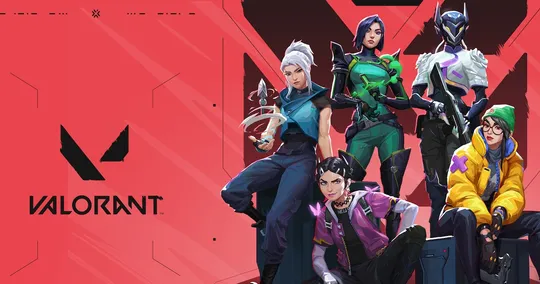
How FPS streamers clip Valorant, Apex, and CoD highlights into TikToks and YouTube Shorts that hold attention from the first second.
Boltis vs Streamladder and Eklipse.gg: which clipping workflow fits small streamers who want control, speed, and no surprise watermarks?
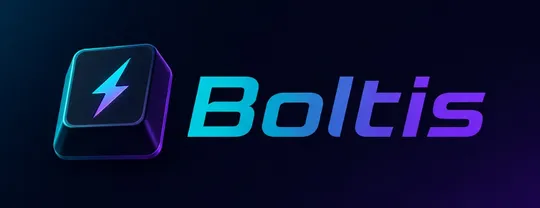
Stop scrubbing 8-hour VODs. Capture Twitch highlights live with a hotkey, then export vertical Shorts: the workflow behind a 1M+ view clip.