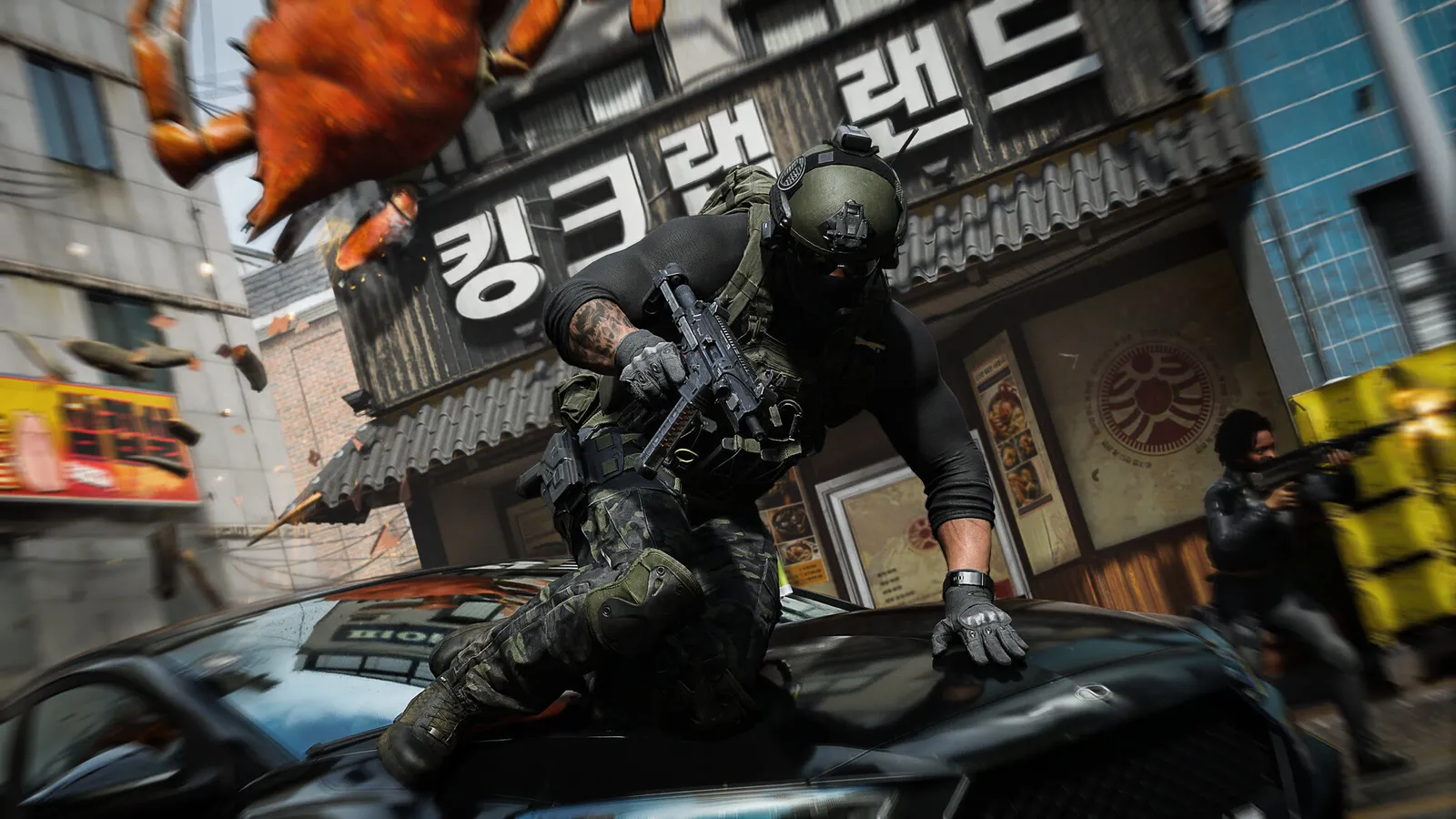
Clip Modern Warfare 4 for TikTok & Shorts
Clip MW4 multi-kills, clutches and funny deaths while you stream, then turn them into vertical TikToks and Shorts. One hotkey, zero FPS cost, free.
Quick answer
To clip Modern Warfare 4 on Twitch, press a hotkey right after a multi-kill, clutch or funny death while you are live. Boltis saves the last 60 seconds through Twitch's clip API, so nothing records on your PC and your frame rate does not drop. Then crop it to vertical with captions for TikTok and Shorts.
Modern Warfare 4 has been out since 23 October. You have already had the round: a 1v3 in Gunfight, three clean kills, chat losing it. Then the next round loads, and by the end of a five-hour session that clip is a timestamp you will never find again.
CoD moves too fast to clip “later”. The play is over in four seconds, the killcam is gone in ten, and you are back in the next fight before you have stopped shouting.
This guide covers how to clip Modern Warfare 4 while you play, without costing you a single frame, and how to turn those clips into vertical TikToks and Shorts that hit in the first second.
The one-key version: press your hotkey right after the play and Boltis saves the last 60 seconds as a Twitch clip. Free, zero FPS impact. (Windows 10 and 11, and you need to be live on Twitch.)
The short facts: Boltis is free. It runs on Windows 10 and 11. Exports are unlimited, and your first 8 clips each month have no watermark. It has no FPS impact, because Twitch makes the clip on its own servers instead of your PC recording anything.
Why does clipping usually cost CoD streamers something?
Because most ways of clipping make you pay with either frames or time.
- Recording locally means your PC is writing video while it runs the game and encodes your stream. In a game where a dropped frame can be the gunfight, that is a bad trade.
- Scrubbing the VOD costs nothing during the match and everything afterwards. I built Boltis because I was watching my own VODs at 1.5x, audio only, during my 9 to 5, trying to find the bits worth posting. Hours of it, and I still missed things. A CoD VOD is worse: every round looks the same at 1.5x except the one that mattered.
- OBS Replay Buffer is free and it works, credit where it is due. But it saves a horizontal file to your disk, and you still need somewhere to crop it to vertical and caption it. There is a fuller breakdown in the best free Twitch clipping software.
Boltis does none of that during your stream. When you press the key, it asks Twitch’s official clip API to make the clip, and Twitch builds it from your live broadcast on its own servers. Nothing records on your PC.
Do not take that on trust. Open Task Manager mid-match: Boltis idles at 0% CPU and under 100 MB of RAM.
This is the one key that skips the scrubbing and the frame cost. Download Boltis free and clip your next Gunfight clutch the second it ends.
How do you set a clip hotkey that will not get you killed?
This matters more in CoD than in almost any other game. The default Boltis hotkey is Ctrl+Alt+H. If Ctrl is one of your movement keys, holding it mid-gunfight to clip will put you on the floor at exactly the wrong moment.
So rebind it. Boltis takes any key or mouse button, with or without Ctrl, Alt or Shift. Pick something your hands never touch in a fight:
- A mouse side button you do not use in game. This is the easiest press while you are still moving.
- An F key, if you clip between fights rather than during them.
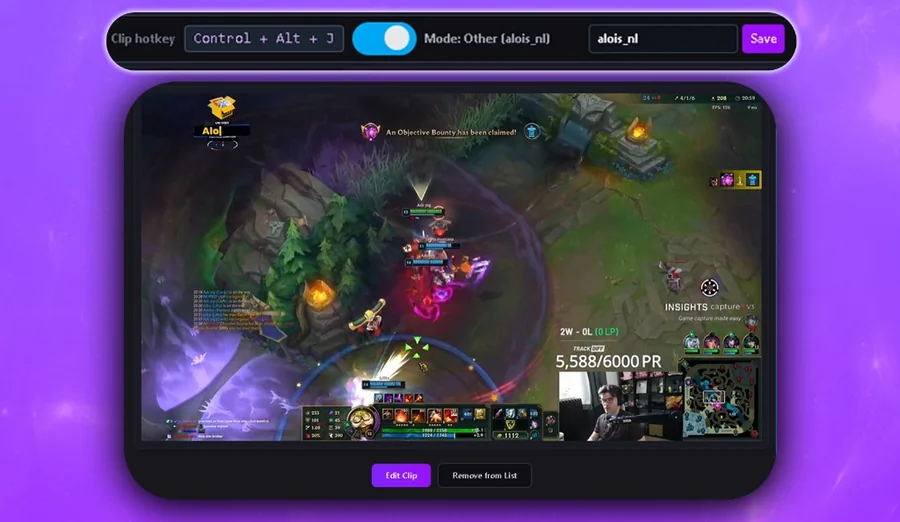
Free includes one hotkey, and it can use any action. Each hotkey has a Keeps setting too: the whole clip, or just the last 5 to 60 seconds of it. On Premium you can add more hotkeys, each with its own length, action and preset. A key that keeps the last 20 seconds for a single snipe and one that keeps the whole clip for a full round is a setup that works well for CoD.
Play on a pad, or just do not want to think about it mid-match? The !clip chat command lets your viewers, subs or mods clip from Twitch chat. It runs from the desktop app, so Boltis needs to be open, and it has a 30 second cooldown. Mods can also install Boltis and clip with their own hotkeys.
Which MW4 moments make the best Shorts?
Ranked by how well they survive being dropped into a stranger’s feed with zero context:
- Gunfight clutches and multi-kills. Gunfight rounds are short and self-contained, which is exactly the shape a Short needs. Kill Block is ideal for this, because its layout rebuilds between matches, so your clips do not all look like the same three corners.
- The death with a big reaction. The perfect flank that walks straight into a shotgun, and then your face. Fails travel further than flexes, because everyone who plays has been there.
- Big War chaos. Vehicles and infantry in the same fight produce the “how did that just happen” moments that work with the sound off.
- DMZ tension. An extraction that goes wrong in the last ten seconds. It needs a little more setup, so trim hard.
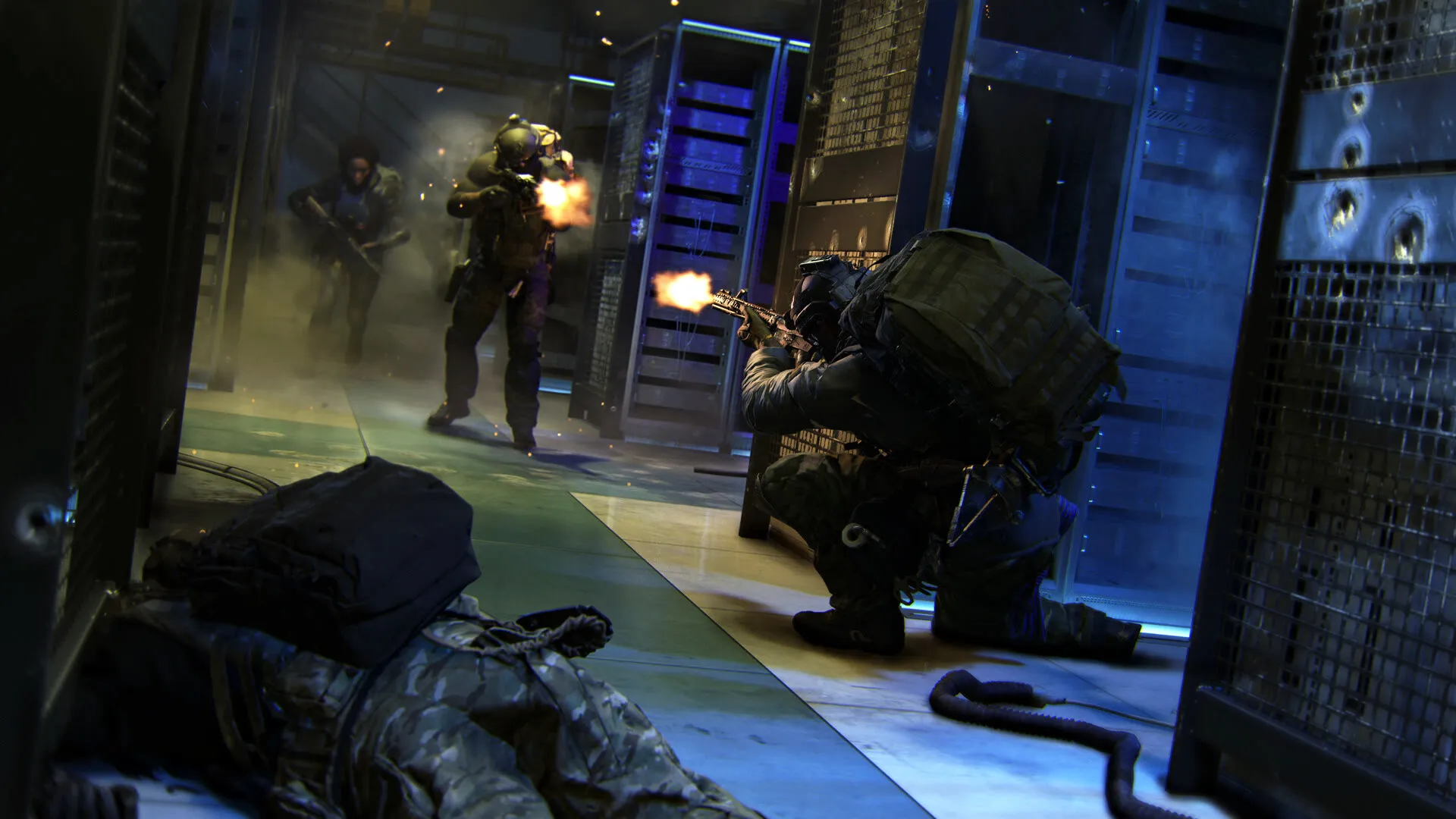
Tight rooms, short fights, one clear winner: the shape of a good Short. Screenshot: Activision.
Killstreak footage on its own comes a long way after those. A streak you called in is rarely as interesting to a stranger as the gunfight that earned it.
Infinity Ward’s own Kill Block trailer shows why it is such good clip material: tight rooms, short rounds, and a layout that keeps changing under you. The full MW4 multiplayer trailer covers the 6v6 maps and Big War.
When should you press the key?
As soon as you are safe, not as soon as the play starts. A Twitch clip holds the last 60 seconds of your stream, so pressing right after the round ends still catches the whole play and your reaction. In a Gunfight round, 60 seconds is usually the entire round.
What you cannot do is go back for it later. If the clutch happened five minutes ago, the hotkey cannot reach back for it, so build the habit: round ends, key, next round.
Every press is its own clip, so clip generously. You can decide what is worth posting after stream, when you are not in a lobby.
How do you turn an MW4 clip into a vertical video?
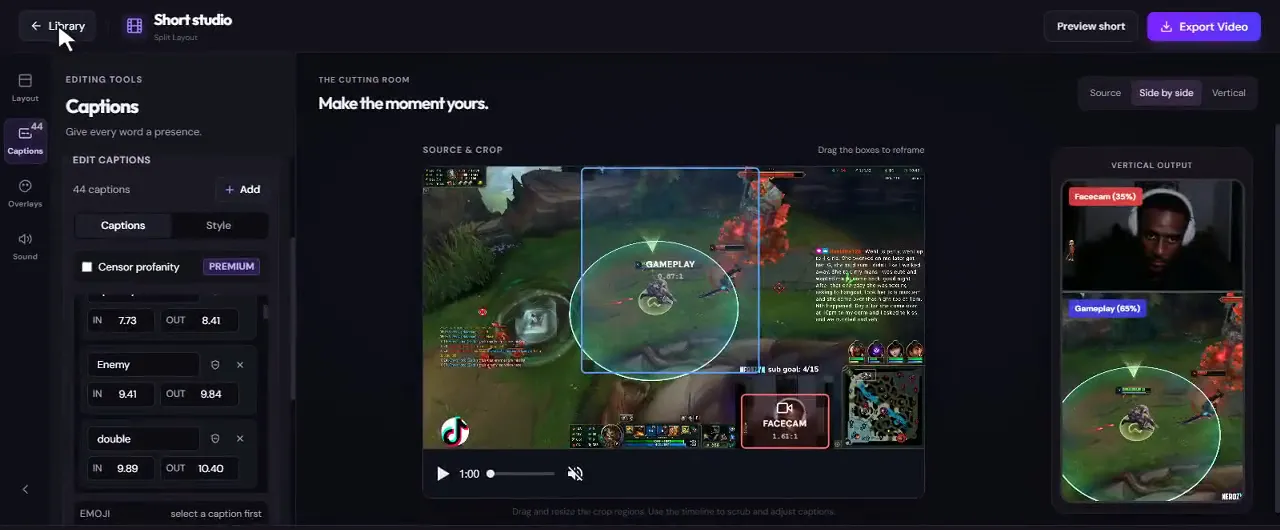
After stream, open the clip in Boltis, pick a layout, trim it, caption it and export it at 1080x1920. Which vertical layout to use depends on the clip:
- Fullscreen for gunfights. The action lives around your crosshair in the middle of the screen, so a vertical crop keeps what matters. You lose the edges of the HUD, which nobody on TikTok was reading anyway.
- Split, with your facecam on top, when your reaction is the point. How to put your facecam on top of a vertical Twitch clip walks through the crop boxes.
- Blurred background for long sightlines and Big War fights, where a tight crop would cut out the person you are shooting at.
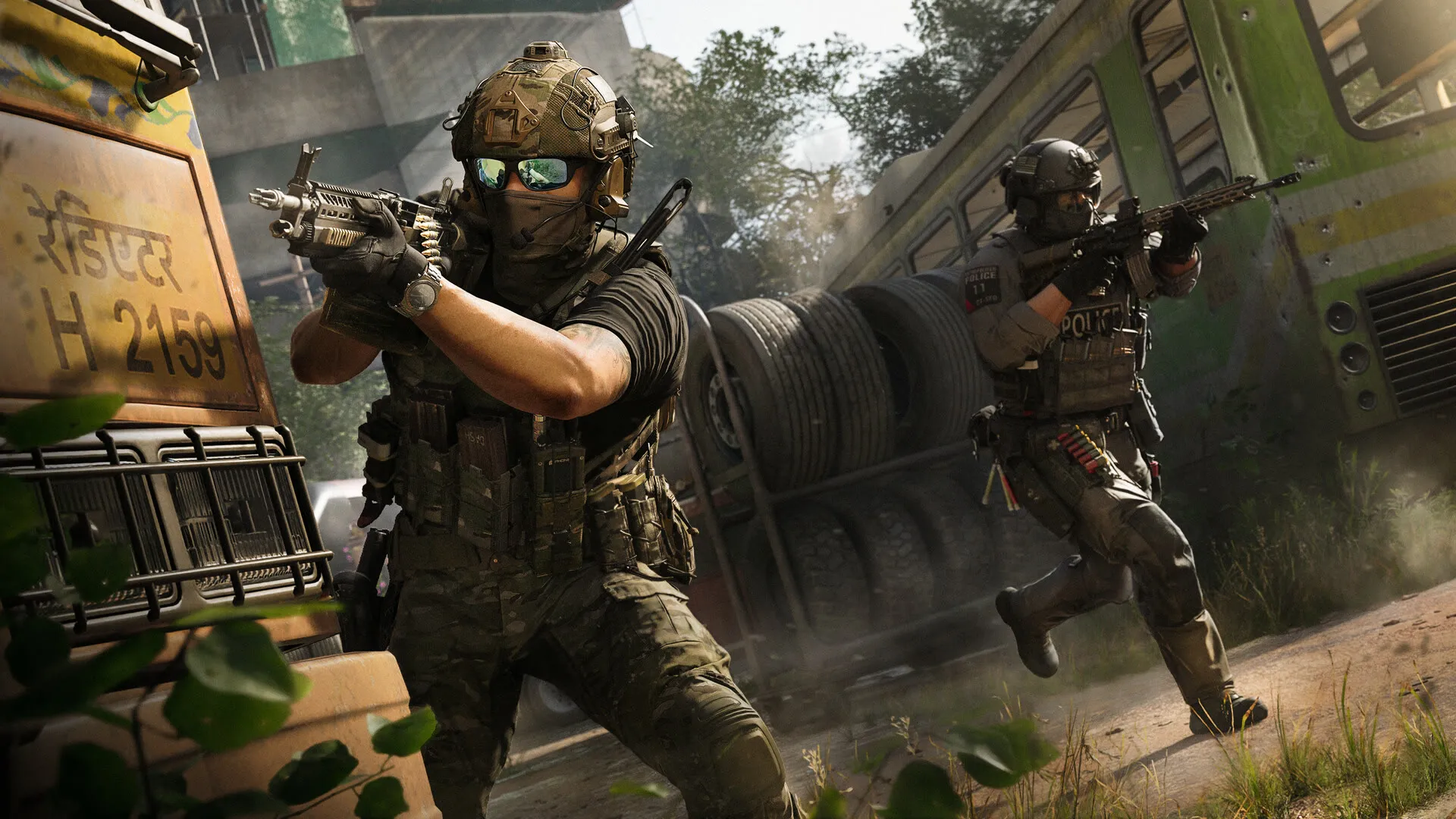
Most of a gunfight happens in the middle of the screen, which is why a fullscreen vertical crop usually works. Screenshot: Activision.
Then trim it. Start on the first shot, not the run to the fight, and end just after your reaction. Most CoD Shorts land between 10 and 30 seconds. Add AI captions if you said something worth reading. Every word is editable, and once captions are on, Boltis can suggest cuts for the pauses.
Before you post, listen back for lobby voice chat. A clip with someone’s slur in the background is a clip you do not want on your channel, and trimming around it takes seconds.
When the swearing lands in the middle of the play, trimming is not an option. On Premium, tick Censor profanity in the Captions tab: Boltis hides the word in your captions (as f***, **** or #$@!) and mutes or bleeps it in the audio. You choose strong words only or mild ones too, and you can add your own words to always censor. It works from the captions, so it only catches words the captions picked up. Give the clip one listen anyway before you post.
For the FPS principles that apply to every shooter, not just CoD, read how to clip FPS highlights for TikTok and Shorts. The full capture-to-post workflow is in how to turn Twitch clips into TikToks.
Can every MW4 clip come out formatted automatically?
Yes, once you have done one by hand. Save that edit as a preset: layout and crop boxes, caption style and animation, overlays, export settings and clip length. Then set your hotkey’s action to Clip and queue, and tick Add captions if you want them. Now one press after a round saves the clip, formats it with your preset and puts it in the export queue. Nothing opens and nothing pulls you out of the match. Captions are transcribed when the clip renders, not mid-stream.
If you clip generously (and in CoD you should), Clip and review is the better fit. It formats each clip with your preset and holds it, so after stream you watch them back and only export the ones worth posting. On Free, that keeps your 8 watermark-free clips for the ones that earn them.
Free includes one preset, and it is used for every clip. On Premium you can have as many as you like, and tie one to the Modern Warfare 4 category on Twitch, so your MW4 clips come out fullscreen while your Just Chatting clips keep their own look.
Here is the part CoD streamers care about: queued clips never render while you are live. They wait in the queue and render in the background, one at a time, after your stream. If you go live partway through a render, Boltis stops it and puts the clip back in the queue, unless you tell it to finish. Boltis has to be running (closed to the tray is fine). Free holds 2 clips in the queue at a time, and each new clip it renders uses one of your 8 watermark-free clips for the month.
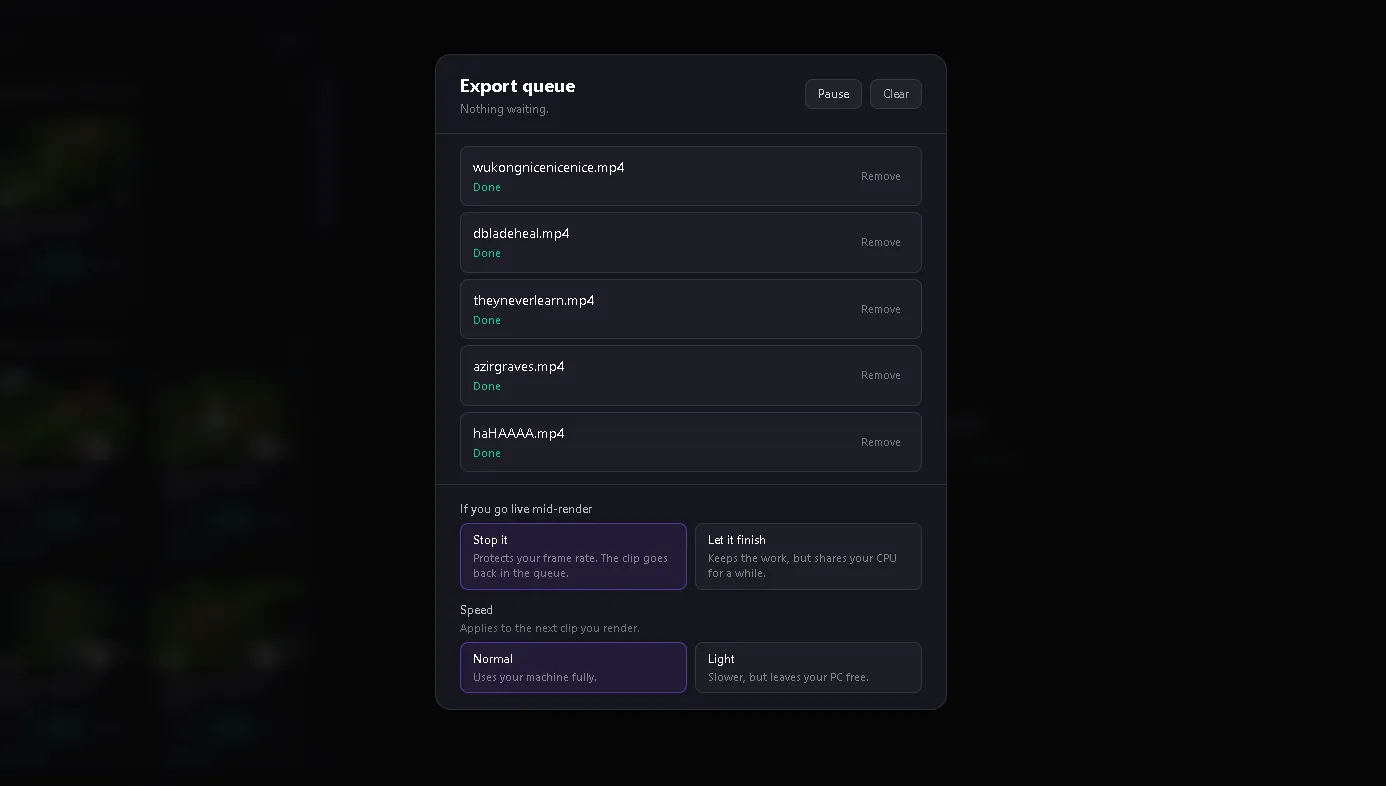
Two honest limits: a queued clip renders with no cuts unless you switch on Smart Trim (Premium), which cuts the slow parts, and a preset’s overlays stay on screen for the whole clip. For most gunfights that is fine. For a clip that needs a tighter edit, open it, trim it and export it again.
On Premium, a finished clip can post straight to TikTok with your caption, now or at a time you pick, or go to YouTube. If you want a trending sound on it, send it to your TikTok Inbox instead and post it from the TikTok app.
What are the limits?
- Boltis is Windows 10 and 11 only.
- You need to be live on Twitch to clip your own stream. If you want to test the hotkey first, ClipFor lets you try it on another live channel.
- A clip is the last 60 seconds. Press it when it happens, because it cannot reach back further.
- Free exports are unlimited, captions included, and the first 8 clips each month have no watermark. Premium is £6.99 a month or £69.90 a year and removes the watermark. Every new account starts with 5 days of Premium, no card needed.
FAQ
How do I clip Modern Warfare 4 on Twitch?
Press a clip hotkey while you are live, right after the play. Boltis tells Twitch to save the last 60 seconds of your stream as a clip, so the multi-kill is saved before the next round has even loaded.
Does clipping MW4 lower my FPS?
No. Boltis does not record your screen. Twitch creates the clip on its own servers from your live stream, so there is zero FPS impact. Boltis idles at 0% CPU and under 100 MB of RAM.
What is the best hotkey for clipping Call of Duty?
A key your hands never touch mid-fight, like a mouse side button or an F key. The default is Ctrl+Alt+H, which can clash if Ctrl is one of your movement keys. Boltis accepts any key or mouse button, with or without Ctrl, Alt or Shift.
What MW4 moments make the best TikToks?
Clutches and multi-kills in Gunfight, deaths with a big reaction, and vehicle chaos in Big War. Short, self-contained moments work best, because someone scrolling has never seen your lobby.
How long should a Modern Warfare 4 clip be for Shorts?
Most land between 10 and 30 seconds once trimmed. Start on the first shot of the play, not the run to it, and end just after your reaction.
Can I keep lobby trash talk out of my MW4 clips?
Trim around it if you can. If it lands mid-play, Boltis Premium can censor profanity: it hides the word in your captions and mutes or bleeps it in the audio. It works from the captions, so listen back once before you post.
Does Boltis render clips while I am in a match?
No. Boltis never starts a render while you are live. Clips wait in the export queue and render after your stream, so your next match is not fighting a video export for your CPU and GPU.
Can Boltis format every MW4 clip automatically?
Yes. Save a preset with your layout, caption style and export settings, then set your hotkey to Clip and queue and tick Add captions. On Premium, a preset can be tied to the Modern Warfare 4 category so it applies whenever you stream it.
Is Boltis free for MW4 clips?
Yes. Clipping and the editor are free forever, and free exports are unlimited, with captions and 8 clips a month watermark-free. Boltis runs on Windows 10 and 11, and you need to be live on Twitch to clip your own stream.
Ready to keep the clutch?
You knew that 1v3 was the clip the second the third kill dropped. Press one key and keep it, instead of scrubbing five hours of lobbies for it tonight or letting an AI clipper guess which round mattered. If you want the longer version of that argument, it is in Boltis vs AI clippers.
Boltis saves the clip with zero FPS impact, formats it with your preset and renders it after your stream, never during a match. It is free, exports are unlimited, and it runs on Windows 10 and 11. You do need to be live on Twitch to clip your own stream.
Download Boltis free for Windows and keep the next clutch the second it ends.